
Download the app from 't Hooge Holt
For useful tips
Did you know that 't Hooge Holt has its own app? By downloading this app you can make your stay even easier. For example, you can use the app to book a bowling alley, but you can also find the best cycling and climbing routes and tips for the area. In addition, the app is divided into main menus, so it stays clear and you know where to look.
You can download the 't Hooge Holt app from both the Google Play Store (Android) and the App Store (Apple). At the bottom of this page you will find the link to download the app. To help you find your way around our app, below is a brief explanation of each main menu.
The first step
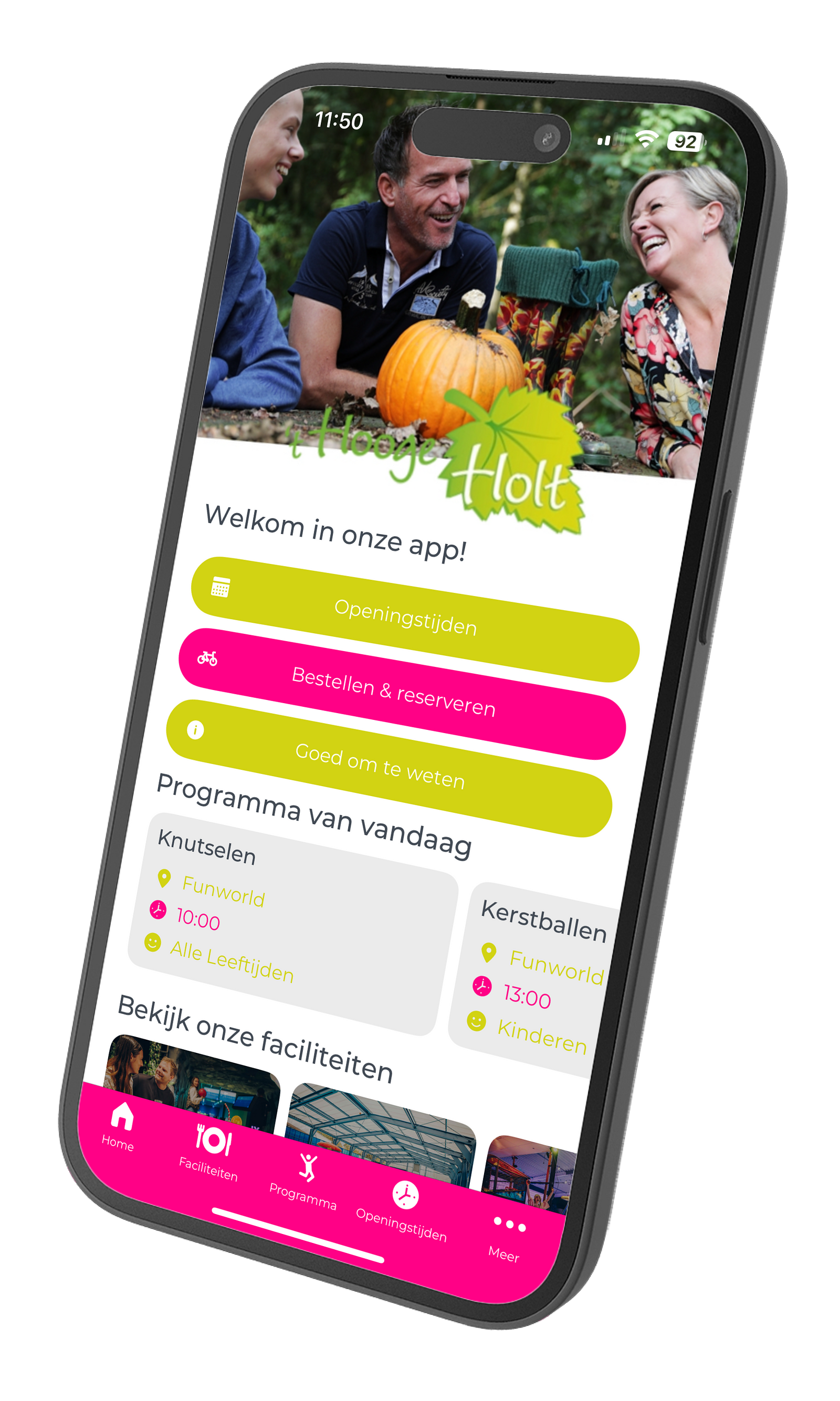
Once you have downloaded the app, you can first select your own language and choose whether you want to receive notifications. After this you will be taken to the main menu of our app. Here you can choose between seven different main menus.
Facilities and catering
In this menu you will find an overview of all our facilities at 't Hooge Holt. Among other things, you can find here how to make an appointment for the hairdresser, book a bowling alley or bicycles and much more.
All information about the swimming pool can also be found in this menu, including swimming lessons. Also in this menu you will find everything about the relevant prices of the facilities and the minimum ages required. In addition, the app shows all opening hours, so you know exactly when to be where!
Information folder
In this main menu, the first choice you get is the rules of the park. In addition, there are 19 other submenus with important information about the facilities of the park and the vacation homes. For example, you can find in the information folder how to open the front door with the pass you received for this purpose, how the water heater works, how to hand in the garbage and how the remote control works.
Are you taking a pet with you? Then you might want to take a look at heading 11 'animals'. Under heading 18 'quietness' you will find that between 10 p.m. and 8 a.m. you are requested to pay attention to noise. All very relevant information, so definitely worth scrolling through this main menu and looking at the other headings.
Rent & Book
In this menu you get an overview of the entire calendar. Choose the date you plan to do an activity and check availability. When you have clicked on the date you will see below an overview of the activities with an option to reserve them directly.
Example:
For example, do you want to reserve a bowling alley on January 1? Then click on this date and then on the 'reserve' button. You will now be redirected to an overview with prices and available time slots. Scroll all the way down and click on 'add to basket'. You now have the option to book any snacks in advance, when you have made your choice click 'I'm going to book'. This is followed by an overview of customer details that you must enter.
Example 2:
Would you like to book a tennis court on January 1? Then click on this date and then on the 'book' button. You will now be redirected to an overview. Choose your preferred time slot and click on 'add to basket'. After this you will be redirected to your shopping cart, where you can also choose to rent tennis equipment. Certain of your choice? Then press "I'm going to book" and enjoy a game of tennis!
Entertainment and Events
Keep an eye on this menu for the latest updates on events during the vacations.
Pocket Info
In this menu you will find the map of the park, useful for example to see where which facilities are located. In addition, check-in and check-out times are displayed in this menu. You will also find all important and relevant phone numbers of the park.
Ordering
In this menu you will find an overview of all your reservations made. Don't have a reservation number? No worries, you can also fill in the details about your stay.
Notice board
In this overview you can choose to turn on/off notifications for general notifications and for found objects.
In the area
When you click on this menu you get a choice of three different submenus. You can choose (1) tips in the area, (2) cycling and climbing routes and, (3) the map.
Contact
In this menu you will find all the contact details of 't Hooge Holt. There is also an emergency number to call.
Where to download the app?
Do you not have the app yet? Download it via the link below and enjoy a carefree stay with us at 't Hooge Holt.